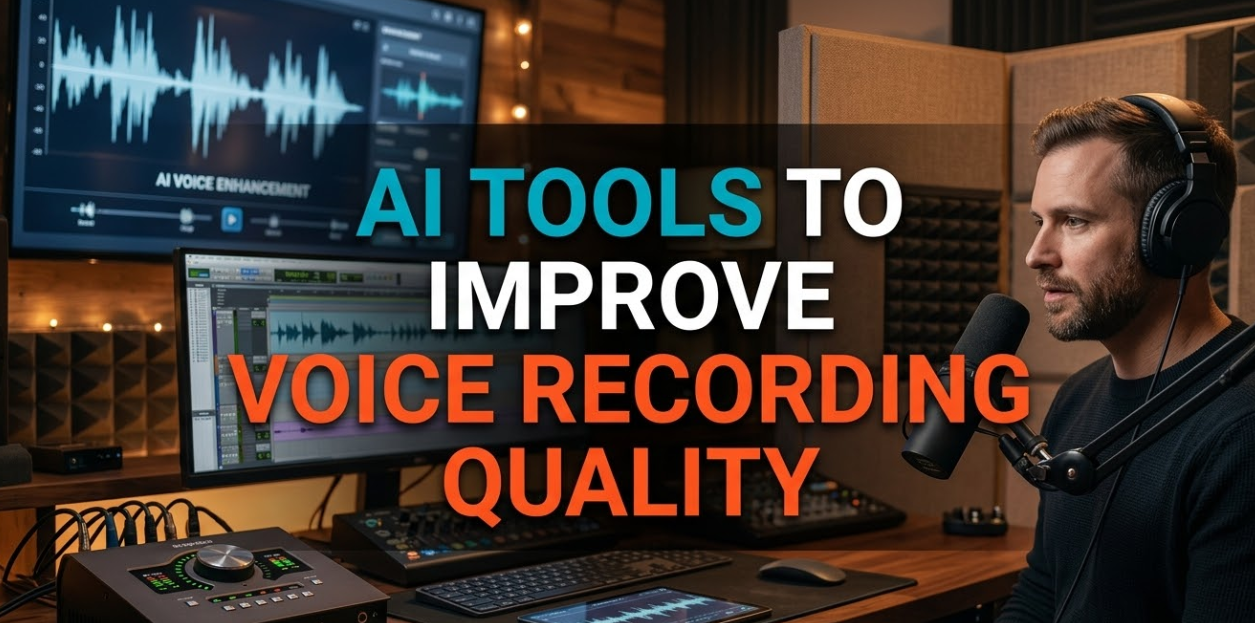
Voice matters more than ever in today’s digital world. Whether you’re a podcaster, YouTuber, remote worker, or content creator, the quality of your voice recording can make or break your audience’s experience. That’s why more people are turning to AI tools to improve voice recording quality — smart software that cleans up audio, removes background noise, enhances tone, and makes every word sound crystal clear. In this guide, you’ll discover the top AI-powered tools, how they work, what to look for, and how to pick the right one for your needs.
Why Your Voice Recording Quality Actually Matters
Bad audio kills great content. Studies show that listeners will stop watching or listening within seconds if the sound quality is poor — even if the content itself is excellent.
Think about it this way: if you’ve ever tried watching a video where the audio kept cutting in and out, or where background noise was louder than the speaker, you probably clicked away fast. That’s the real cost of poor voice recording quality.
Good audio builds trust. It signals professionalism. And with today’s AI technology, you no longer need an expensive recording studio to achieve it.
How AI Actually Fixes Your Voice Recordings
Before we jump into specific tools, it helps to understand what AI does under the hood. Traditional audio editing required a trained sound engineer and hours of manual work. AI changes all of that.
Modern AI audio tools use deep learning models trained on thousands of hours of audio data. They can detect the difference between a human voice and unwanted sound — then remove or enhance each separately.
Here are the core functions most AI audio tools handle:
Noise Reduction — Removes background sounds like fans, traffic, keyboard clicks, and air conditioning. The AI identifies the “noise fingerprint” and filters it out without touching your voice.
Echo and Reverb Removal — If you’re recording in a room with hard walls, your voice bounces around and sounds echoey. AI can reduce or eliminate this reverb digitally.
Voice Enhancement — Boosts the clarity, presence, and warmth of your voice so it sounds fuller and more professional.
De-essing — Removes harsh “s” and “sh” sounds that spike the audio and hurt listeners’ ears.
Leveling and Compression — Balances your volume so quiet parts are louder and loud parts don’t distort.
The Best AI Tools to Improve Voice Recording Quality in 2025
Now let’s get into the actual tools. Each one has strengths depending on your use case, budget, and skill level.
1. Adobe Podcast (Enhance Speech)
Adobe Podcast’s “Enhance Speech” feature is one of the most impressive free AI tools available right now. You simply upload an audio or video file, and within minutes, it transforms muddy, noisy recordings into studio-quality sound.
It’s perfect for beginners because there are zero settings to adjust. The AI does everything automatically.
Best for: Podcasters, content creators, students Price: Free (with Adobe account) Platform: Web-based
Pros:
- Extremely easy to use
- Produces professional results instantly
- Handles reverb and background noise very well
Cons:
- Limited customization
- File size restrictions on free tier
2. NVIDIA RTX Voice / NVIDIA Broadcast
NVIDIA Broadcast is built specifically for streamers and video creators. If you have an NVIDIA RTX graphics card, this tool uses your GPU to process audio in real time — meaning it cleans up your mic while you’re speaking, not after.
It’s incredibly useful for live streams, gaming content, and video calls. The noise cancellation is near-magical, filtering out everything from barking dogs to loud keyboards.
Best for: Streamers, gamers, live content creators Price: Free (requires NVIDIA RTX GPU) Platform: Windows
Pros:
- Real-time processing
- Also works for video background removal
- No latency issues
Cons:
- Requires specific hardware
- Windows only
3. Krisp
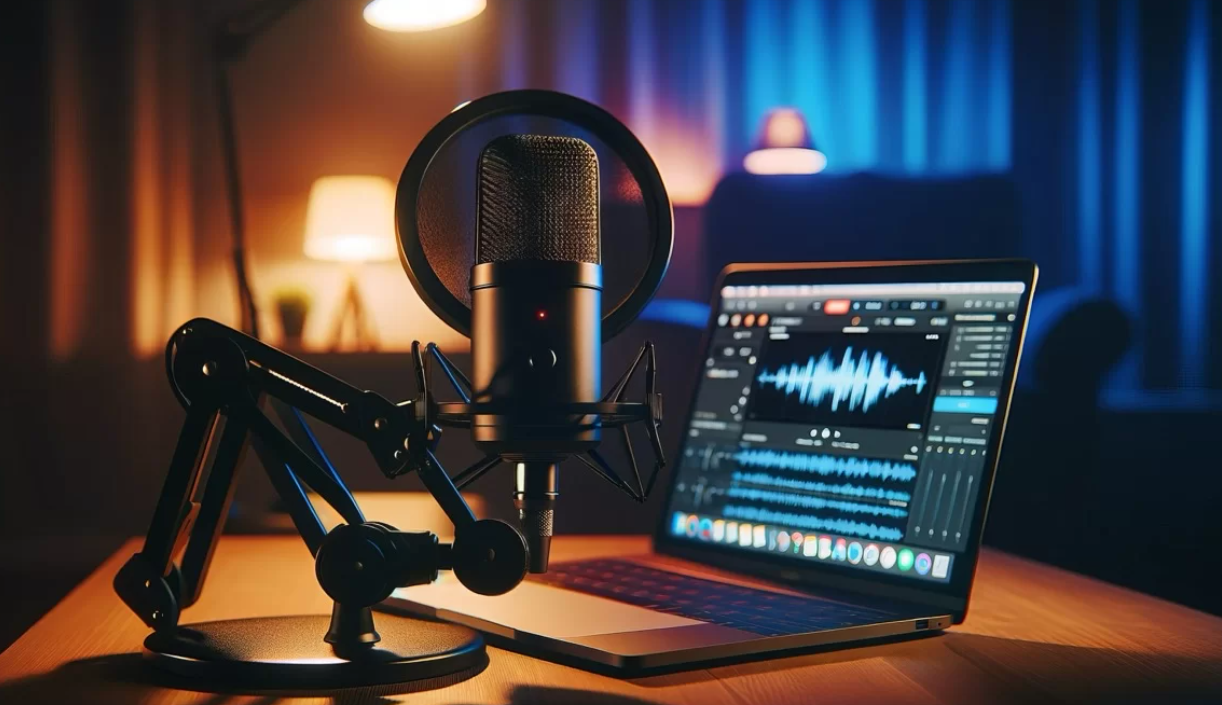
Krisp is one of the most popular AI tools to improve voice recording quality for remote workers and meeting participants. It works as a virtual microphone and speaker that sits between your real mic and any calling app — Zoom, Teams, Google Meet, and more.
Krisp removes background noise on both ends of the call: your side and the other person’s side.
Best for: Remote workers, virtual meetings, call centers Price: Free plan available; Pro starts at $8/month Platform: Windows, Mac
Pros:
- Works with any app
- Two-way noise cancellation
- Easy setup
Cons:
- Free plan has usage limits
- Can occasionally affect voice tone
4. Descript
Descript is more than just an audio cleaner — it’s a full podcast and video editing platform that uses AI throughout. Its “Studio Sound” feature enhances voice recordings with one click, removing background noise and room sound.
What makes Descript special is that it also offers AI-powered transcription, so you can edit your audio like a text document. Delete a word in the transcript, and it removes it from the audio automatically.
Best for: Podcasters, video editors, content teams Price: Free plan; Creator plan starts at $12/month Platform: Web, Mac, Windows
Pros:
- All-in-one editing and enhancement
- Text-based audio editing is revolutionary
- Clean, easy interface
Cons:
- Higher learning curve
- AI voice quality can vary
5. Cleanfeed
Cleanfeed is a browser-based tool designed for remote podcast interviews. It captures high-quality audio directly from each participant’s browser, then lets you download separate tracks for each person — making editing far easier.
While it doesn’t use heavy AI enhancement like some other tools, its clean capture technology means you start with better audio from the beginning.
Best for: Podcast interviews, multi-person recordings Price: Free plan available; Pro plans from $14/month Platform: Web-based
6. iZotope RX 10
If you’re serious about audio post-production, iZotope RX 10 is the industry standard. It’s used by Hollywood studios, broadcast networks, and professional podcasters. The AI-powered repair tools can fix almost any audio problem — including removing specific sounds, fixing clipped audio, and restoring old recordings.
Best for: Professional audio engineers, serious creators Price: Starts at $99 for standard edition Platform: Windows, Mac (plugin + standalone)
Pros:
- Industry-leading quality
- Handles complex audio problems
- Deep customization
Cons:
- Expensive
- Steep learning curve for beginners
Real-Time vs. Post-Processing: Which Approach Is Right for You?
When choosing AI tools to improve voice recording quality, one of the biggest decisions is whether you need real-time processing or post-processing.
Real-time AI tools clean your audio as you speak. They’re essential for:
- Live streaming
- Video conferencing
- Online teaching or webinars
Post-processing AI tools analyze and fix your recording after you’ve finished. They’re better for:
- Podcasts
- YouTube videos
- Professional voice-over work
- Online courses
The good news? Many modern tools now offer both options. Descript and iZotope RX, for example, can be used for post-production, while Krisp and NVIDIA Broadcast operate in real time.
What to Look for When Choosing an AI Audio Enhancement Tool
Not all AI audio tools are created equal. Here’s a checklist to help you pick the right one:
Noise Reduction Quality — Test the tool with your actual background noise. Some tools handle fan noise better; others are stronger at removing echo.
Compatibility — Make sure the tool works with your existing setup: your operating system, DAW (if you use one), and recording software.
Latency — For real-time use, low latency is critical. You can’t have a one-second delay when you’re live on air.
Price vs. Features — Free tools are great for beginners, but professional creators may need the advanced controls that come with paid tools.
Ease of Use — If you’re not a sound engineer, look for tools with simple, one-click processing.
Output Formats — Check that the tool exports in the format you need (MP3, WAV, FLAC, etc.).
Tips to Get Even Better Results From AI Voice Enhancement Tools
AI tools do an incredible job, but you can make their job even easier with a few smart habits:
Record in a quiet space. AI can remove noise, but starting with less noise means better results. Close windows, turn off fans, and use a rug or curtains to absorb echo.
Use a decent microphone. Even a mid-range USB mic like the Blue Yeti or Audio-Technica ATR2100 will give AI tools a stronger signal to work with. You don’t need to spend thousands — just avoid built-in laptop microphones.
Speak close to the mic. Aim for 6–12 inches from your mouth. Too far away and your voice gets buried in room sound that even AI struggles to remove.
Record a “room tone” sample. Some AI tools (like iZotope RX) use a noise sample to target what to remove. Recording 10 seconds of silence before you speak helps the AI identify and eliminate that specific background noise.
Don’t over-process. It’s tempting to run every enhancement filter, but too much processing makes your voice sound robotic or “over-cooked.” Start with light settings and adjust from there.
AI Voice Enhancement for Specific Use Cases
Different creators have different needs. Here’s how AI tools to improve voice recording quality apply to specific situations:
For Podcasters
Podcasters need consistent audio across every episode. The biggest challenges are usually inconsistent room acoustics (if you record in different locations) and background noise.
Top picks: Adobe Podcast Enhance, Descript, iZotope RX 10 Key features to prioritize: Noise reduction, reverb removal, voice leveling
For YouTubers and Video Creators
Video creators often edit footage from multiple locations — some quiet, some noisy. AI tools help standardize audio quality across all your clips.
Top picks: Adobe Podcast Enhance, NVIDIA Broadcast (for live recordings), Descript Key features to prioritize: Background noise removal, voice clarity boost
For Remote Workers and Professionals
Your audio quality on Zoom or Teams calls directly impacts how colleagues and clients perceive you. Nobody wants to strain to hear someone through a sea of keyboard clicks and HVAC hum.
Top picks: Krisp, NVIDIA Broadcast Key features to prioritize: Real-time noise cancellation, compatibility with major conferencing apps
For Voice-Over Artists
Voice-over work demands pristine, studio-quality audio. Clients often have strict technical specifications — certain loudness levels, minimal noise floors, specific EQ curves.
Top picks: iZotope RX 10, Adobe Audition with AI plugins Key features to prioritize: Precision repair tools, de-essing, breath removal
For Online Course Creators
Students expect clear audio in every lesson. If audio varies wildly between modules, it disrupts the learning experience and hurts your ratings.
Top picks: Descript, Adobe Podcast Enhance Key features to prioritize: Batch processing, consistent leveling across multiple files
Free vs. Paid AI Audio Tools: An Honest Breakdown
Many creators wonder whether they really need to pay for AI voice enhancement. Here’s the honest answer: free tools can take you far, but paid tools unlock more control and quality.
For more resources on AI in content creation, you can also explore tools and reviews at CryptoNews21, which covers emerging tech tools for digital creators.
For a broader comparison of leading audio enhancement platforms, Adobe’s official Enhance Speech page is a great starting point to test what professional AI audio cleanup looks like at no cost.
How AI Voice Enhancement Has Evolved (And Where It’s Heading)
Just five years ago, removing background noise from audio required expensive plugins, a trained engineer, and hours of manual editing. Even then, the results could sound unnatural — with “watery” artifacts where noise used to be.
Today, AI has changed the game completely. Neural network models trained on millions of audio samples can now separate voice from noise with stunning accuracy — in some cases, in real time.
Here’s where things are heading next:
AI-generated voice cloning — Some tools are beginning to let you “fix” your own recordings using a cloned version of your voice. If you stumbled over a word, the AI can regenerate that word seamlessly.
Emotion-aware processing — Future AI tools will be able to detect the emotional tone of your voice and adjust enhancement accordingly — adding warmth for calm content, crispness for energetic content.
Automatic mixing — AI will soon handle full multi-track mixing, balancing music beds, voice-over, and sound effects automatically.
Browser-native AI — More tools are moving to the browser, meaning you won’t need to download software at all. Tools like Adobe Podcast Enhance already work this way.
The technology is accelerating fast. The creators who adopt these AI tools now are building a massive advantage over those who don’t.
Common Mistakes People Make With AI Audio Tools
Even with the best AI tools to improve voice recording quality, it’s easy to trip up. Here are the most common mistakes — and how to avoid them:
Over-relying on AI to fix a bad recording — AI is powerful, but it’s not magic. If you record in an echoey bathroom with a terrible microphone six feet from your face, no AI tool will make it sound like a professional studio. Good habits and decent gear still matter.
Applying too much noise reduction — Cranking noise reduction to the maximum often removes some of the natural qualities of your voice alongside the noise. Use moderation and always listen back critically.
Not checking output formats — Some AI tools export in compressed formats (like MP3 at low bitrates) by default. For professional work, always check that you’re exporting in the highest quality format available.
Ignoring latency in real-time tools — If you’re using a real-time AI tool for streaming or calls and notice an echo or delay, check your buffer settings. High latency makes conversation feel unnatural.
Forgetting to update the software — AI audio tools update their models regularly. Older versions may miss newer features or produce lower-quality results. Keep your tools updated.
Frequently Asked Questions About AI Tools for Voice Recording Quality
Q: Can AI really make a bad voice recording sound professional?
Yes — to a significant degree. AI tools can remove background noise, reduce echo, and enhance voice clarity dramatically. However, they work best as enhancers of decent recordings, not complete rescuers of terrible ones. A better microphone and quiet environment still matter.
Q: Do I need technical skills to use AI audio enhancement tools?
No. Most modern AI tools — like Adobe Podcast Enhance, Krisp, and NVIDIA Broadcast — are designed for non-technical users. You simply upload a file or enable the tool, and the AI does the rest. Tools like iZotope RX 10 offer more control but have a steeper learning curve.
Q: What’s the best free AI tool to improve voice recording quality?
Adobe Podcast’s Enhance Speech tool is widely considered the best free option available in 2025. It handles noise removal and voice enhancement automatically with remarkable quality, and it’s completely free with an Adobe account.
Q: Will AI audio tools work with any microphone?
Yes, AI tools can process audio from any microphone — including built-in laptop mics. However, starting with a better microphone always produces better results, even after AI enhancement.
Q: Is it safe to upload my audio to cloud-based AI tools?
Most reputable tools (Adobe, Descript, Krisp) have clear privacy policies and encrypt your uploads. If you’re handling sensitive or confidential audio, read the privacy terms carefully or use an offline tool like iZotope RX 10.
Q: Can AI tools improve voice tone and warmth, or just remove noise?
Both. Beyond noise removal, modern AI tools to improve voice recording quality can also enhance the tone, warmth, presence, and clarity of your voice. Descript’s Studio Sound, for example, adds a sense of fullness and depth that makes voices sound like they were recorded in a professional studio.
Q: How long does AI audio processing take?
For real-time tools like Krisp, processing is instant — it happens as you speak. For post-processing tools like Adobe Podcast Enhance, a typical podcast episode (30–60 minutes) usually processes in under five minutes.
Wrapping It All Up: Choosing the Right AI Tool for Your Voice
The world of audio is no longer reserved for those with professional studios and engineering degrees. AI tools to improve voice recording quality have democratized professional-sounding audio for everyone — from bedroom podcasters to Fortune 500 executives on Zoom calls.
Here’s a quick summary to guide your choice:
- Best for beginners: Adobe Podcast Enhance (free, no skills needed)
- Best for live streaming: NVIDIA Broadcast (real-time, free for RTX users)
- Best for remote work: Krisp (works with any calling app)
- Best all-in-one: Descript (editing + enhancement in one platform)
- Best professional tool: iZotope RX 10 (industry standard, most powerful)
No matter which tool you choose, the investment in better audio quality will pay off. Your audience will stay longer, your clients will trust you more, and your content will stand out in an increasingly crowded digital world.
Start with a free tool today. Listen to the difference. Then decide whether you want to go deeper. Your voice — and your audience — deserve it.