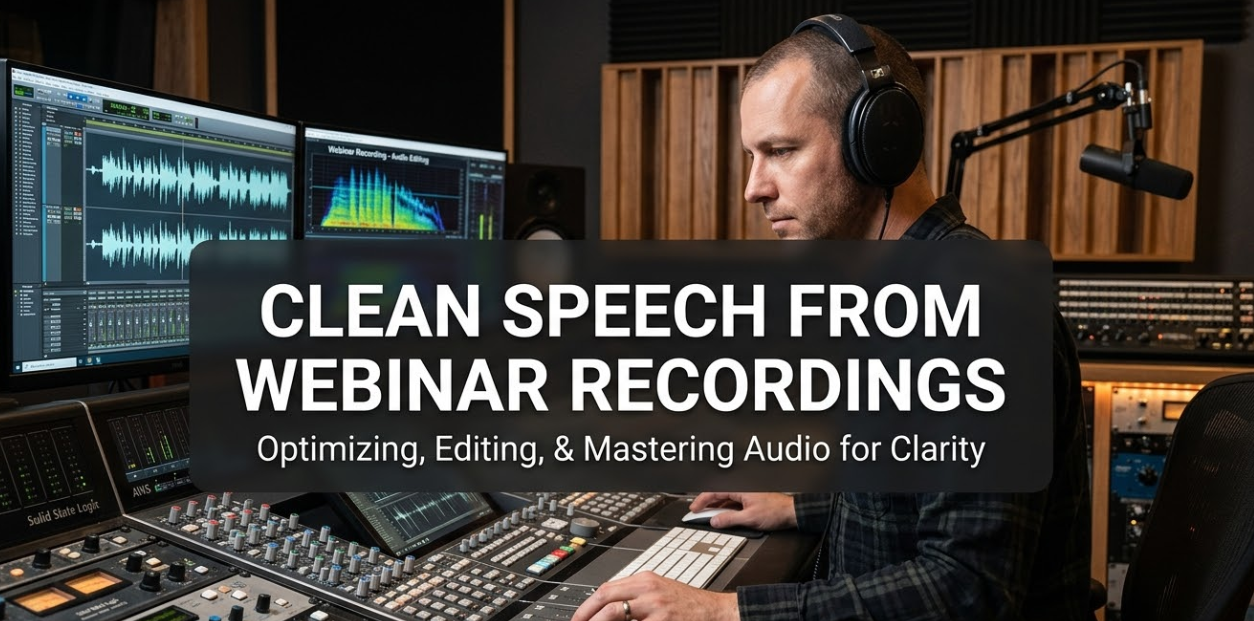
If you’ve ever hosted a webinar, you already know how messy the raw recording can be. Filler words, crosstalk, mic issues, and awkward silences are everywhere. That’s exactly why clean speech from webinar recordings has become one of the most searched topics among content creators, marketers, and educators. Getting clean, readable audio content out of a webinar recording isn’t just about sound quality — it’s about turning rough, real-time conversation into something people actually want to read, watch, or listen to again.
This guide covers everything you need to know: from understanding what “clean speech” really means, to the best tools and techniques for polishing your webinar audio, to turning those recordings into high-quality written content.
What Does “Clean Speech From Webinar Recordings” Actually Mean?
Clean speech doesn’t just mean better audio. It means removing everything that gets in the way of your message.
When someone records a live webinar, the raw file usually contains:
- Filler words like “um,” “uh,” “you know,” and “like”
- False starts and repeated sentences
- Background noise, echo, or mic feedback
- Crosstalk when multiple speakers talk at once
- Long pauses or dead air
Cleaning speech from webinar recordings means fixing all of these problems — either in the audio file itself or in the written transcript that comes from it.
Why This Matters More Than You Think
Think about it this way: if a webinar is two hours long and the transcript is full of filler words and incomplete sentences, nobody is going to read it. But if the transcript is clean, structured, and easy to follow, it becomes a powerful piece of content you can repurpose into blog posts, eBooks, training materials, and more.
Clean webinar speech also affects your SEO. Search engines crawl your transcripts. A clean, readable transcript ranks better than a messy, filler-filled one.
The Two Main Types of Cleaning: Audio vs. Transcript
Before diving into tools and methods, it’s important to know the difference between two types of cleaning:
| Type | What It Does | Best For |
|---|---|---|
| Audio Cleaning | Removes background noise, echo, distortion from the audio file | Podcasters, video editors, YouTube creators |
| Transcript Cleaning | Removes filler words, fixes grammar, structures sentences from the text version | Bloggers, content marketers, educators |
Most webinar creators need both. But if your goal is written content, transcript cleaning is your priority.
Step-by-Step: How to Get Clean Speech From Your Webinar Recording
Step 1 — Export Your Webinar Recording in the Right Format
Before anything else, export your webinar in a high-quality format. Most platforms like Zoom, WebEx, or Microsoft Teams let you download recordings in MP4 or MP3.
Go with WAV or MP3 at 128kbps or higher for audio. The better the source file, the better your final cleaned output will be.
Step 2 — Run It Through an AI Transcription Tool
Once you have your audio file, feed it into an AI-powered transcription tool. These tools convert speech to text automatically. Some strong options include:
- Otter.ai — Great for live transcription and speaker labels
- Descript — Allows you to edit audio by editing the text
- Rev.com — Offers both AI and human transcription
- Whisper by OpenAI — Free, accurate, and handles multiple accents
At this stage, don’t expect a perfect transcript. You’ll get a rough, mostly accurate version that still needs work.
Step 3 — Clean the Filler Words
This is where the real work begins. Go through the transcript and remove or replace:
- Filler words: “um,” “uh,” “like,” “you know,” “sort of,” “kind of”
- Repeated phrases: “So, so what I’m saying is, so basically…”
- False starts: “I want to — what I mean is — what I’m trying to say is…”
Tools like Descript can automatically remove filler words with one click. This alone saves hours of editing.
Step 4 — Fix Sentence Structure and Readability
Spoken language doesn’t translate perfectly to written language. People talk in long, run-on sentences. They jump between ideas. They use pronouns without clear references.
When cleaning your webinar transcript, focus on:
- Breaking long sentences into shorter ones
- Adding punctuation where speakers paused
- Replacing vague pronouns (“this thing,” “that stuff”) with specific nouns
- Adding paragraph breaks every 3–5 sentences
Step 5 — Review for Accuracy
AI tools make mistakes. They mishear words, especially with accents, technical terms, or industry jargon. Always do a final human review.
Read the cleaned transcript out loud. If a sentence sounds unnatural or confusing, fix it.
Best Tools for Cleaning Webinar Audio and Transcripts
Let’s look at the top tools available right now:
| Tool | Type | Key Feature | Price |
|---|---|---|---|
| Descript | Audio + Transcript | Edit audio by editing text | Free / $12+ per month |
| Otter.ai | Transcript | Real-time transcription + speaker labels | Free / $16.99+ per month |
| Adobe Podcast | Audio | AI-powered background noise removal | Free (beta) |
| Krisp | Audio | Real-time noise cancellation | Free / $8+ per month |
| Whisper (OpenAI) | Transcript | Open-source, multilingual | Free |
| Rev.com | Transcript | Human + AI transcription | $0.25/min (AI), $1.50/min (human) |
| Sonix | Transcript | Fast AI transcription, 38+ languages | $10/hr |
The best workflow combines audio cleaning first, then AI transcription, followed by manual review.
Common Mistakes People Make When Cleaning Webinar Speech
Getting clean speech from webinar recordings takes practice. Here are mistakes that trip people up:
Mistake 1 — Relying 100% on AI
AI transcription tools are impressive, but they’re not perfect. They miss industry-specific words, mishear accents, and can’t always tell speakers apart. Always layer in human review.
Mistake 2 — Over-Cleaning the Audio
Removing too much background noise can make a voice sound robotic or hollow. Use noise reduction at around 50–70% strength, not 100%.
Mistake 3 — Ignoring the Speaker’s Voice
A cleaned transcript should still sound like the speaker. If you rewrite everything in perfect grammar, you lose authenticity. Keep unique phrases and personality intact where possible.
Mistake 4 — Not Using Speaker Labels
If multiple people spoke during your webinar, label each speaker clearly. This makes the transcript much easier to follow. Most transcription tools do this automatically.
Mistake 5 — Skipping Timestamps
If you’re publishing a long transcript, include timestamps at regular intervals. This lets readers jump to the sections they care about most.
How to Improve Tone and Readability in Your Webinar Transcript
Clean speech is just the first step. The second step is making that clean content easy and enjoyable to read.
Write Like You’re Talking to a Smart 14-Year-Old
That’s not an insult — it’s a readability target. Short sentences. Simple words. Active voice. This approach makes your content accessible to the widest possible audience.
Instead of writing: “The implementation of automated transcription solutions facilitates the streamlining of post-webinar content production workflows,”
Write: “AI transcription tools make it faster and easier to turn webinar recordings into content.”
Same meaning. Far easier to read.
Use the Active Voice
Passive voice slows readers down. Compare these two sentences:
- Passive: The webinar was recorded by the marketing team.
- Active: The marketing team recorded the webinar.
Active voice is cleaner, shorter, and easier to follow.
Break Up the Text
Nobody wants to read a wall of text. Use:
- Short paragraphs (2–4 sentences max)
- Subheadings every 200–300 words
- Bullet points for lists of features or steps
- Bold text to highlight key terms or takeaways
This structure makes the content scannable, which is exactly how most people read online.
Turning Clean Webinar Speech Into Repurposable Content
Once you have a clean transcript, you’re sitting on a goldmine of content. Here’s how to repurpose it:
Blog Posts
A 60-minute webinar can easily become 3–5 blog posts. Pull out key topics and expand on each one. Add subheadings, visuals, and links. This is one of the most powerful content marketing strategies available — and it starts with a clean transcript.
For more tips on content repurposing and digital strategy, visit Cryptonews21.
Video Captions and Subtitles
Upload your cleaned transcript as captions for your webinar replay. This improves accessibility and SEO. YouTube’s algorithm reads your captions, so a clean, keyword-rich caption file helps your video rank better.
Lead Magnets and eBooks
Combine multiple webinar transcripts on the same topic and turn them into a downloadable PDF guide. This is an easy and high-value lead magnet.
Social Media Clips
Pull out the best quotes from your webinar transcript and turn them into social media posts. Platforms like Canva let you design quote graphics in minutes.
Email Newsletters
Use key points from your webinar as the foundation of an email newsletter. This keeps your audience engaged even if they missed the live event.
SEO Benefits of Clean Webinar Transcripts
Here’s something many webinar hosts overlook: clean transcripts are incredibly powerful for SEO.
According to Google’s guidelines on captions and transcripts, structured, readable text content from audio and video sources can significantly improve search visibility.
Here’s why clean webinar transcripts help with SEO:
| SEO Factor | How Clean Transcripts Help |
|---|---|
| Keyword Presence | Naturally includes target keywords from your spoken content |
| Content Length | Long-form transcripts signal depth and authority |
| Dwell Time | Readable content keeps visitors on your page longer |
| Internal Linking | Transcripts give you more places to add internal links |
| Accessibility | Search engines reward accessible, structured content |
| Featured Snippets | Well-structured Q&A sections often get featured |
The catch? All of these benefits disappear if your transcript is messy, full of filler words, and hard to read. That’s why clean speech from webinar recordings directly impacts your search rankings.
How Long Does It Take to Clean a Webinar Recording?
This is one of the most common questions, and the answer depends on several factors:
| Webinar Length | AI-Only Cleaning | AI + Human Review |
|---|---|---|
| 30 minutes | 15–20 minutes | 45–60 minutes |
| 60 minutes | 25–35 minutes | 90–120 minutes |
| 90 minutes | 40–50 minutes | 2.5–3.5 hours |
| 2 hours | 60–80 minutes | 4–5 hours |
These are rough estimates. Complex topics, technical jargon, and multiple speakers increase cleaning time.
Pro tip: Create a style guide before you start cleaning. List how certain words should be spelled (e.g., “AI” not “A.I.”), how speaker names should appear, and your preferred formatting rules. This speeds up every future cleaning job.
Building a Repeatable Webinar Content Workflow
If you host webinars regularly, you need a system. Here’s a workflow that works:
Before the Webinar
- Test your audio setup and use a quality microphone
- Reduce background noise in your recording environment
- Use a platform that records in high quality (Zoom, StreamYard, Riverside.fm)
During the Webinar
- Speak slowly and clearly
- Avoid talking over other speakers
- Pause between topics to create natural breaks in the recording
After the Webinar
- Export the recording as a high-quality audio file
- Run through an audio cleaner (Adobe Podcast or Krisp)
- Transcribe using AI (Descript or Otter.ai)
- Clean filler words automatically, then manually review
- Format the transcript with headings, paragraphs, and speaker labels
- Repurpose into blog posts, captions, emails, or eBooks
Following this system consistently means you get clean speech from webinar recordings every single time — without scrambling at the last minute.
FAQs About Clean Speech From Webinar Recordings
Q: Can AI fully replace human editing for webinar transcripts?
Not yet. AI tools are fast and increasingly accurate, but they still make mistakes — especially with accents, technical terms, and speaker overlaps. Human review remains essential for any transcript you plan to publish or share professionally.
Q: What’s the best free tool for cleaning webinar transcripts?
OpenAI’s Whisper is one of the most accurate free transcription tools available. Adobe Podcast’s Enhance Speech feature is also free and does an excellent job of removing background noise from audio files.
Q: How do I remove background noise from a webinar recording?
Use tools like Adobe Podcast (free), Krisp, or iZotope RX. These tools use AI to identify and remove background sounds while preserving the speaker’s voice. Apply noise reduction at 50–70% strength for natural-sounding results.
Q: Should I publish the full transcript or just key highlights?
Both have value. A full transcript is great for SEO and accessibility. A highlights version (key takeaways, best quotes, main points) is better for quick social sharing and email newsletters. Ideally, publish both.
Q: How do I handle multiple speakers in a webinar transcript?
Most AI transcription tools, including Otter.ai and Descript, offer speaker diarization — meaning they automatically detect and label different speakers. Review these labels carefully, as AI sometimes mixes up speakers in noisy or overlapping moments.
Q: Does cleaning a webinar transcript help with YouTube SEO?
Yes. When you upload a clean transcript as captions or subtitles, YouTube reads that text and uses it to understand the video’s topic. This directly improves your video’s visibility in YouTube search results.
Q: What file format should I use when exporting webinar recordings for transcription?
MP3 or WAV files work best for most transcription tools. MP4 video files also work but may take longer to process. Aim for 44.1 kHz sample rate and 128 kbps or higher bitrate for the clearest results.
Q: Is it worth paying for human transcription instead of AI?
For high-stakes content (training materials, legal transcripts, professional course recordings), human transcription is worth the extra cost. For standard content marketing purposes, AI transcription with a human review pass is the sweet spot between speed, cost, and quality.
Final Thoughts: Making Every Webinar Count
Hosting a webinar is just the beginning. The real value comes from what you do with that recording afterward.
Getting clean speech from webinar recordings takes effort — but the payoff is enormous. A polished transcript becomes a blog post, a lead magnet, a video caption, a newsletter, and a ranking piece of content all at once. That’s serious leverage for every hour you spent hosting that webinar.
The good news is that the tools available today make this process faster and more accessible than ever. With the right combination of AI transcription, audio cleaning software, and a solid review process, you can turn any rough, messy webinar recording into a clean, professional, publish-ready piece of content.
Start with one recording. Clean it properly. Then build a system that makes it repeatable. Your webinar content library — and your SEO — will thank you for it.