If you’ve ever recorded a podcast and later discovered an unwanted voice or noise hiding in your audio, you know how frustrating it can be. Learning how to remove background voice from podcast audio is one of the most valuable skills any podcaster can develop. Whether it’s a TV murmuring in the next room, a …
If you’ve ever recorded a voice memo, podcast, interview, or video only to play it back and hear a muffled mess of background noise, echoes, and distortion, you already know the frustration. Trying to improve voice clarity from low quality recordings is one of the most common audio challenges faced by content creators, journalists, students, …
Have you ever recorded a podcast, speech, or video only to realize it’s filled with background chatter, cheering, or crowd noise? If so, you already know how frustrating it can be. Learning how to remove crowd voices from audio clips is one of the most useful audio skills you can develop today — whether you’re …
Here’s a quick look at the most common problems podcasters face and how disruptive they are to the listening experience: Background noise Very High 92% Plosive pops (P/B sounds) High 78% Room echo / reverb High 85% Clipping / distortion Moderate 70% Sibilance (harsh “S” sounds) Moderate 60% Mouth clicks / lip smacks Moderate 55% …
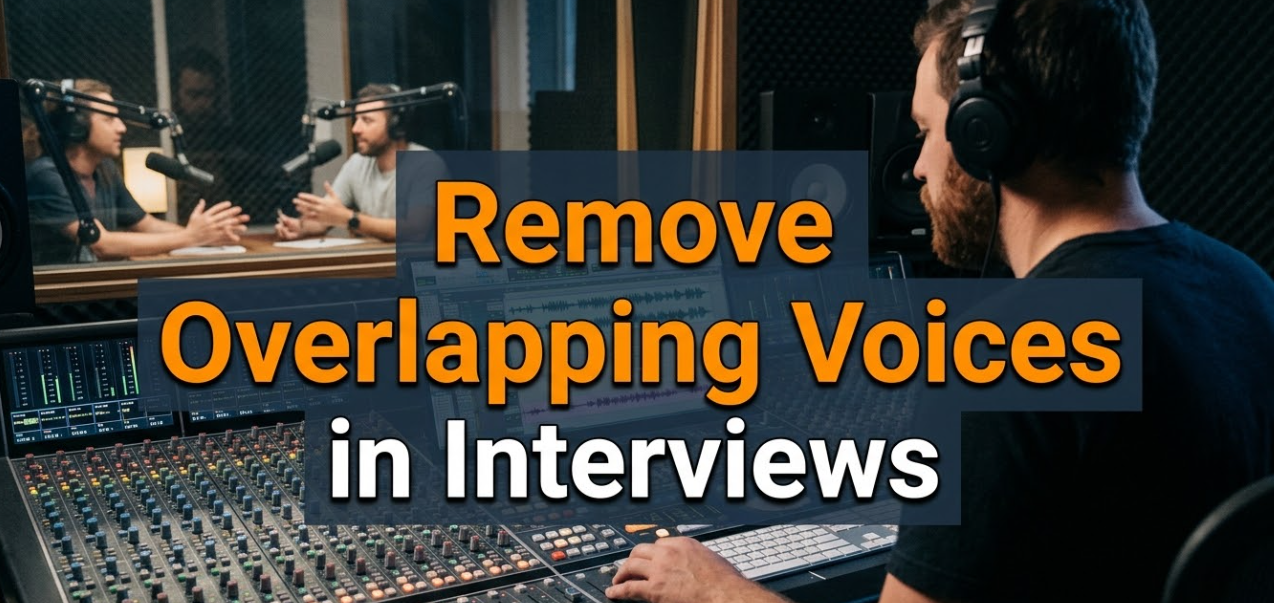
When two people speak at the same time during an interview, the result is a mess. Listeners get confused. Editors struggle to cut cleanly. Transcriptions come out garbled. If you’re a podcaster, journalist, video creator, or researcher, you’ve likely faced this problem more than once. The good news? You can remove overlapping voices in interviews …
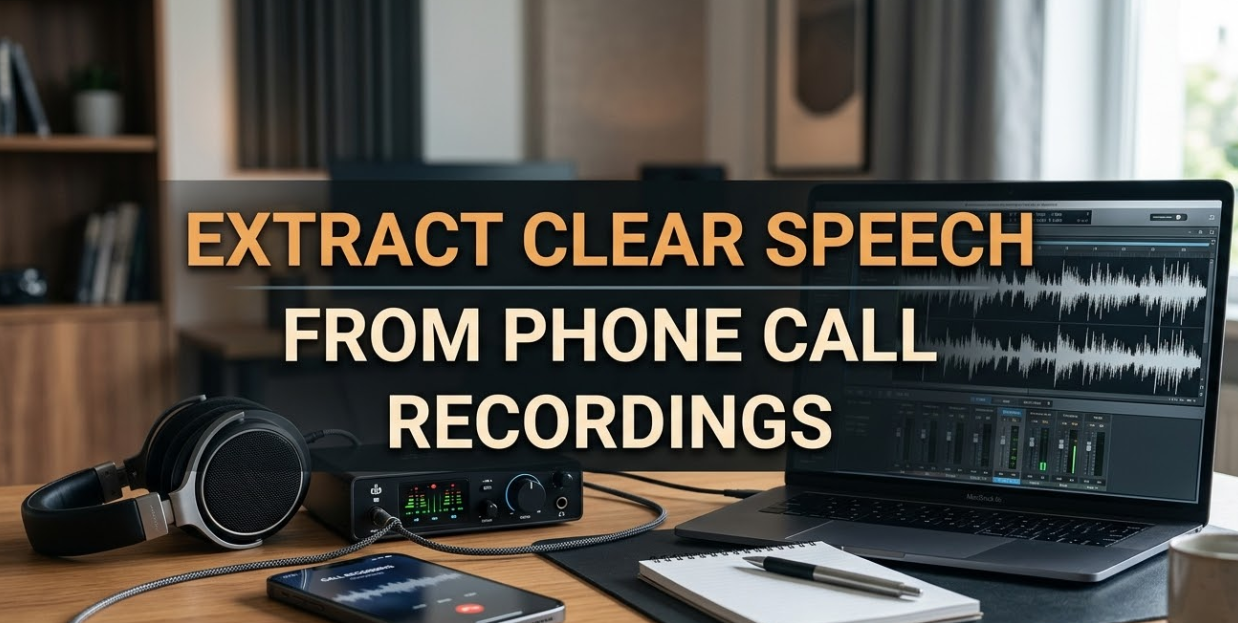
Phone call recordings can be a goldmine of information — but only if you can actually hear what’s being said. If you’ve ever tried to extract clear speech from phone call recordings, you already know the frustration. Muffled voices, background noise, echo, and distorted audio can make even a short conversation nearly impossible to understand. …
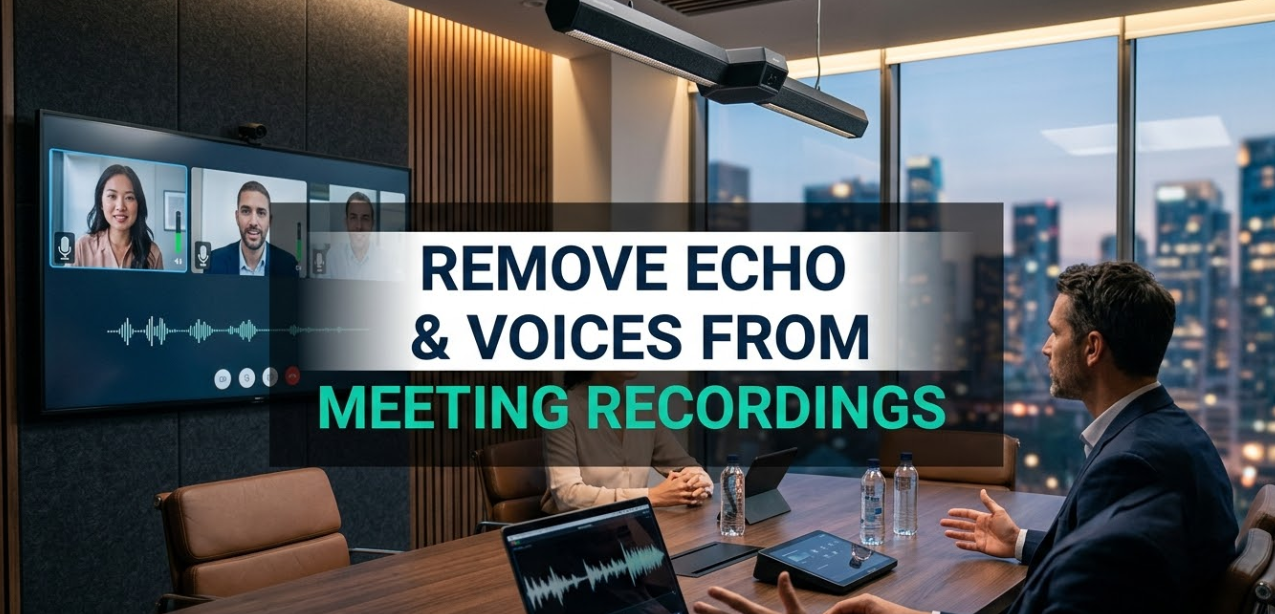
If you’ve ever listened back to a recorded meeting and cringed at the hollow, bouncy sound, you’re not alone. Millions of remote workers face the same frustration every day. Whether it’s a Zoom call, a Microsoft Teams session, or a recorded podcast interview, echo and unwanted voices can completely ruin a recording. The good news? …
If you’ve ever tried to record a podcast in a busy coffee shop, take a video call near a highway, or extract a clean voiceover from a noisy clip — you know the pain. Background noise ruins perfectly good audio. It makes speech hard to understand, sounds unprofessional, and can even make listeners click away. …
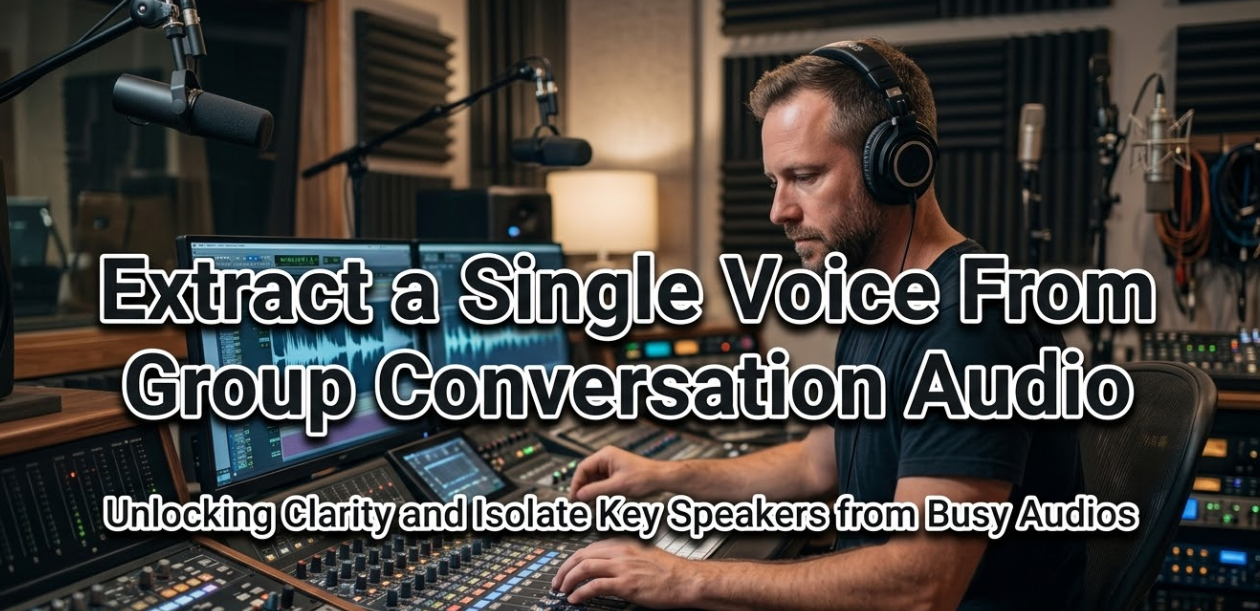
Have you ever recorded a meeting, podcast, or group call — only to realize later that all the voices are mixed together? If you’ve ever tried to extract a single voice from group conversation audio, you know how frustrating it can be. The voices overlap, background noise creeps in, and separating one person from the crowd …
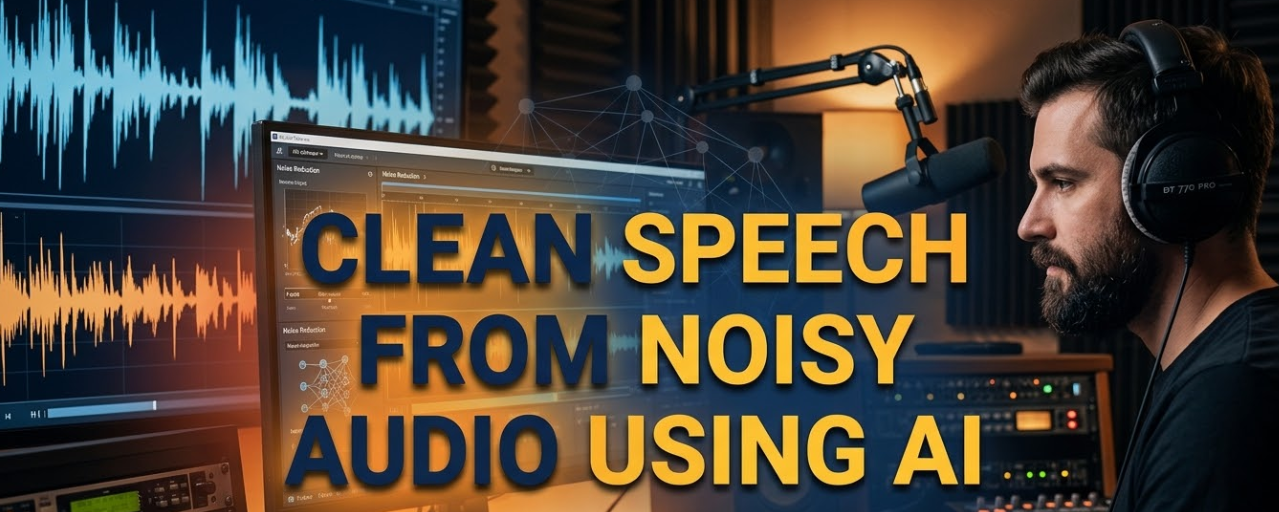
If you’ve ever been on a video call with a loud fan running in the background, or tried to record a podcast in a noisy café, you know the struggle. Audio noise ruins recordings, kills communication, and makes your content hard to enjoy. That’s exactly where clean speech from noisy audio using AI becomes a …